What Is the Right Model for Your Mac
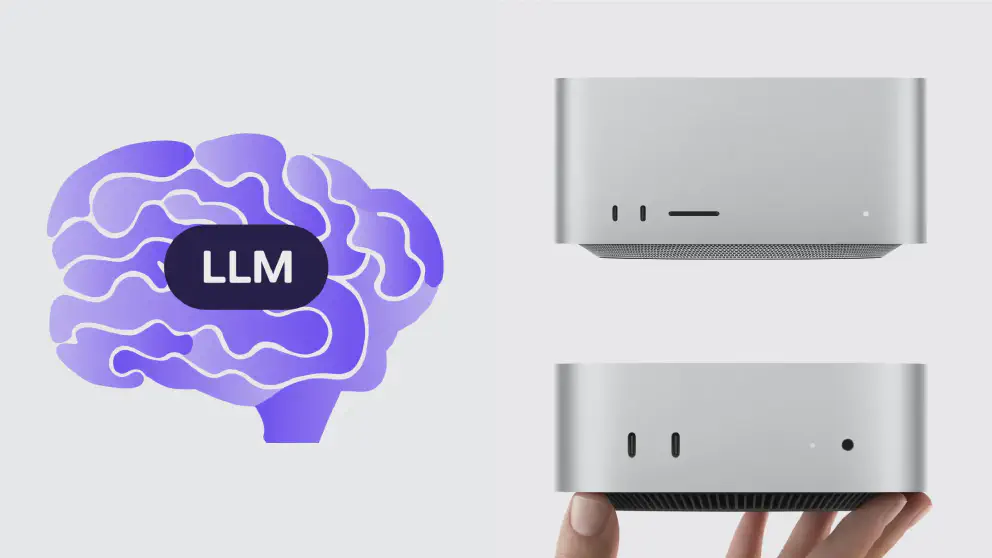
Apple just refreshed its desktop lineup, and most of the headlines have been about the same story: new chips, higher prices. But buried under the spec sheets is a more interesting one — Apple, a company that spent the early years of the generative AI boom looking like it was sitting the race out, has quietly ended up with one of the more compelling boxes for running large language models on your own desk.
The headline chip is the M6, Apple’s first processor built on a 2-nanometer process and the first with a dual Neural Engine — two 16-core engines instead of one. Sitting above it is the M5 Ultra, the new top-of-the-line chip in the refreshed Mac Studio, built by fusing two M5 Max dies together into what Apple calls a quad-die design. Think of it as roughly four M5 Pros welded into one chip, if that helps the mental model.
What makes this relevant to LLMs specifically is unified memory. On a PC, your GPU has its own separate pool of VRAM, and once a model is bigger than that pool, you’re out of luck (or shuffling layers between GPU and system RAM, which is slow). Apple Silicon’s GPU shares the same memory as the CPU, so the ceiling on how big a model you can load isn’t a small dedicated VRAM number — it’s however much unified memory the machine has, which now goes up to 512GB. The new M5 Ultra also pushes memory bandwidth to 1.2TB/s. That’s still well short of the 2–3TB/s you’d get from HBM in a data-center GPU, but the practical difference is that you can actually order a Mac Studio. A rack of H100s, less so.
That gap hasn’t gone unnoticed. Both OpenAI and Anthropic have reportedly been buying up Mac minis and Mac Studios to run AI agents, and regular developers have been doing the same — snapping up Mac minis specifically as cheap, always-on agent infrastructure. So if you’ve been wondering whether it’s worth buying a Mac to run a local model rather than renting one from the cloud, you’re not the only one asking.
The Lineup
Apple announced the new Mac mini and Mac Studio on August 25, 2026, with pre-orders open now and shipments starting September 22. Here’s roughly what each tier costs and what you can comfortably run on it. Apple’s configurator pricing shifts constantly, so treat the higher-end numbers as ballpark rather than gospel — check apple.com before you buy.
| Model | Chip & specs | Starting price | Comfortable local LLM range |
|---|---|---|---|
| Mac mini M6 (entry) | 12-core CPU, 12-core GPU, dual 16-core Neural Engine, 16GB memory, 256GB storage | $899 | ~8B models (Llama 3.1 8B, Qwen3-8B |
| Mac mini M6 (32GB/1TB) | Same chip, 32GB memory, 1TB storage | $1,799 | ~27–32B models (Gemma 3 27B, Qwen3-32B) |
| Mac mini M5 Pro (entry) | 15-core CPU, 16-core GPU, 16-core Neural Engine, 24GB memory, 512GB storage | $1,699 | ~13–14B comfortably, 24B tight |
| Mac mini M5 Pro (64GB/2TB) | 18-core CPU, 20-core GPU, 64GB memory, 2TB storage | $3,699 | ~70B (Llama 3.3 70B, Qwen2.5-72B) |
| Mac Studio M5 Max (entry) | 18-core CPU, up to 40-core GPU, 36GB memory, 512GB storage, 614GB/s bandwidth | $2,499 | ~27–32B comfortably |
| Mac Studio M5 Max (128GB/2TB) | Same chip, 128GB memory | ~$4,800 | ~70–100B comfortably |
| Mac Studio M5 Ultra (entry) | 30-core CPU, 64-core GPU, dual 16-core Neural Engine, 96GB memory, 1TB storage, 1.2TB/s bandwidth | $5,499 | ~70B in 8-bit, or ~120B in 4-bit |
| Mac Studio M5 Ultra (256GB/2TB) | 36-core CPU, 80-core GPU, 256GB memory | ~$11,300 | ~400B-class (Llama 3.1 405B) or big MoE models |
| Mac Studio M5 Ultra (256GB, maxed storage) | Same chip, 256GB memory, 16TB storage | $18,299 | Same as above, more headroom for multiple models/large context |
There’s one more tier worth flagging even though it isn’t priced yet: the 512GB memory configuration of the M5 Ultra Mac Studio, which Apple has confirmed but hasn’t started shipping. Given that the 256GB step alone adds roughly $4,000 over the base Ultra, expect the 512GB version to land comfortably north of $18,000–19,000 once storage is added — but at that point you’re in “load DeepSeek-V3 or R1 at 4-bit, or nearly anything open-weight today, entirely in memory” territory.
Matching the Machine to the Job
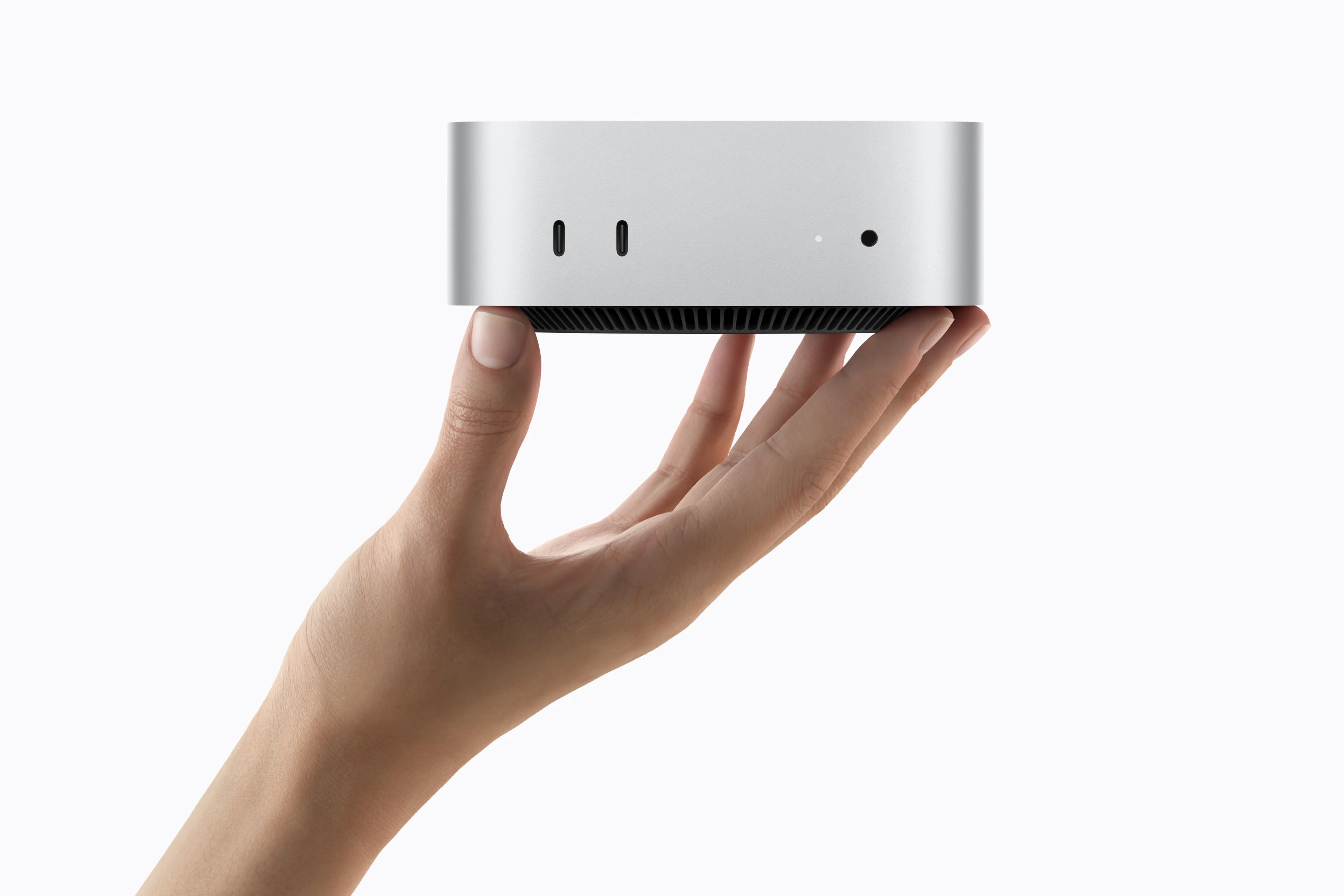
Entry — M6 Mac mini, $899–1,799. A private, always-on coding autocomplete or chat assistant, note-taking and RAG over your own documents, or simply a way to learn the local-LLM tooling (LM Studio, Ollama, MLX) without spending Studio money. The 32GB configuration is the more useful of the two — 16GB gets tight fast once macOS and a browser are also competing for memory.
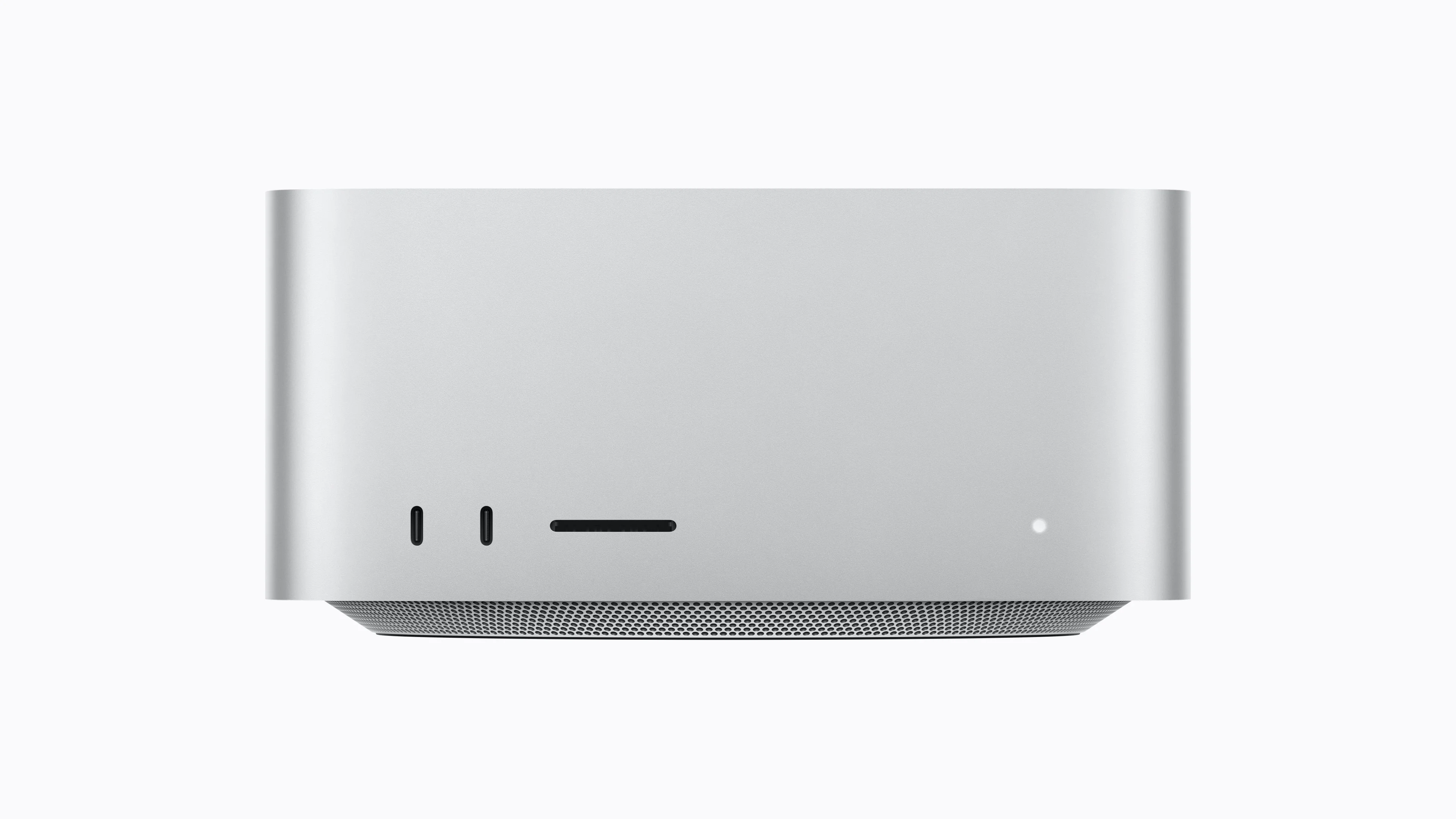
Mid — M5 Pro mini / M5 Max Studio, $1,699–2,499. This is the actual sweet spot for most enthusiasts. The M5 Pro’s 64GB configuration gets you to real 70B-class models — genuinely capable open models like Llama 3.3 70B — at usable speeds, for less than half the price of a Studio. Good for a solo developer running an agentic coding assistant locally, a small-business internal chatbot over private data, or a serious RAG pipeline.
Prosumer — M5 Max top / M5 Ultra entry, $3,699–5,499. Enough memory and bandwidth to run 70–120B models fast, or juggle several mid-sized models at once — a chat model, an embedding model, and a vision model running simultaneously, for instance. This tier fits someone building and testing local AI products, running a small private server for a team, or doing creative work like video and 3D alongside local AI tooling, where the Max’s extra GPU cores pull double duty.
Extreme — M5 Ultra, 256GB and up, $11,300–$19,000+. This is where Apple Silicon does something discrete-GPU rigs can’t easily match at any price: hundreds of gigabytes of fast unified memory that let you load frontier-scale open-weight models — DeepSeek-R1/V3, Kimi K3, Llama 3.1 405B — entirely on one machine. It’s especially well suited to large mixture-of-experts models: total parameter count can be huge (600B+), but only a fraction of it activates per token, so generation stays fast even though the whole model sits in memory. This tier makes sense for AI researchers or a small team that wants a private, on-prem inference server instead of paying for cloud API calls on sensitive data.
Best Bang for Your Buck
If you just want a recommendation and don’t want to read the whole tier breakdown: the Mac mini with M5 Pro maxed out (64GB, $3,699) is the strongest value in the lineup. It’s the cheapest way to comfortably run genuinely capable 70B-class models, and it costs less than half of what the equivalent capability would run you on a Mac Studio.
If you want more headroom to grow into — running several models side by side, or doing creative work alongside your AI tooling — the Mac Studio M5 Max base config (36GB, $2,499) is the better buy. You’re paying a premium over the mini, but you get meaningfully more GPU horsepower and a machine that won’t feel undersized in a year.
The Catch
None of this is a slam dunk against renting compute. Unless you’re actually running a model near-continuously — which most people aren’t — it’s currently cheaper to just rent cloud GPU time or pay for API calls than to buy the hardware outright. The economics only start favoring ownership once utilization is high enough that the per-hour cloud bill would have paid for the Mac several times over.
It’s also worth remembering that cloud AI pricing right now is subsidized. We’ve watched this movie before with cloud computing and streaming: providers cut prices to win market share, then raise them once switching costs make it painful to leave. There’s no reason to expect AI inference pricing to be different once the growth-at-any-cost phase ends.
Even so, plenty of middle and upper management will keep choosing cloud anyway, because flexibility is worth something — especially in places where headcount and infrastructure are expensive or slow to unwind. Owning hardware means owning the depreciation, the electricity bill, and the upgrade cycle.
Hardware pricing itself is climbing too, and not just because Apple is greedy — the AI boom is making the underlying components more expensive than they’d otherwise be. It’s a little jarring to remember that as recently as last year, a base Mac mini was $499 with the education discount, back when Apple was reliably the “expensive, but you’re paying for quality” option. That’s simply not the pitch anymore.
Availability compounds the problem. Apple is competing with AI data-center operators for the same memory chips and advanced packaging capacity, and right now the data centers are winning — a big part of why Mac pricing has climbed repeatedly over the past year. Apple’s official line is that the new Mac Studio starts shipping September 22, with the 512GB configuration held back until “late October.” In practice, early buyers on Apple’s own order forums are already seeing delivery windows for various configurations slip into October and even mid-November, which tells you the component crunch is real and not just a marketing footnote. There are early signs the supply picture may loosen up over the next year or two, but don’t bank on it for this generation.
Bottom Line
Being able to run a genuinely powerful model on a machine that ships to your door — something that plainly wasn’t possible a year ago — is a real shift, and Apple Silicon’s unified memory is a big reason why. Frontier models on the cloud are still more capable and, for now, cheaper on a per-task basis. But “for now” is doing a lot of work in that sentence: cloud economics have a habit of getting complicated and expensive once the subsidies wear off and the feature creep sets in, the way we’ve all learned to expect from AWS and Azure invoices.
Still, my honest guess is that most people will keep reaching for cloud AI anyway. From a management point of view, not owning and maintaining your own infrastructure is simply easier — right up until it isn’t.
Love this? Consider buying me a coffee!